Hi everyone, this is a quick post just to open this section on my website where I'll share some things I learned along the way.
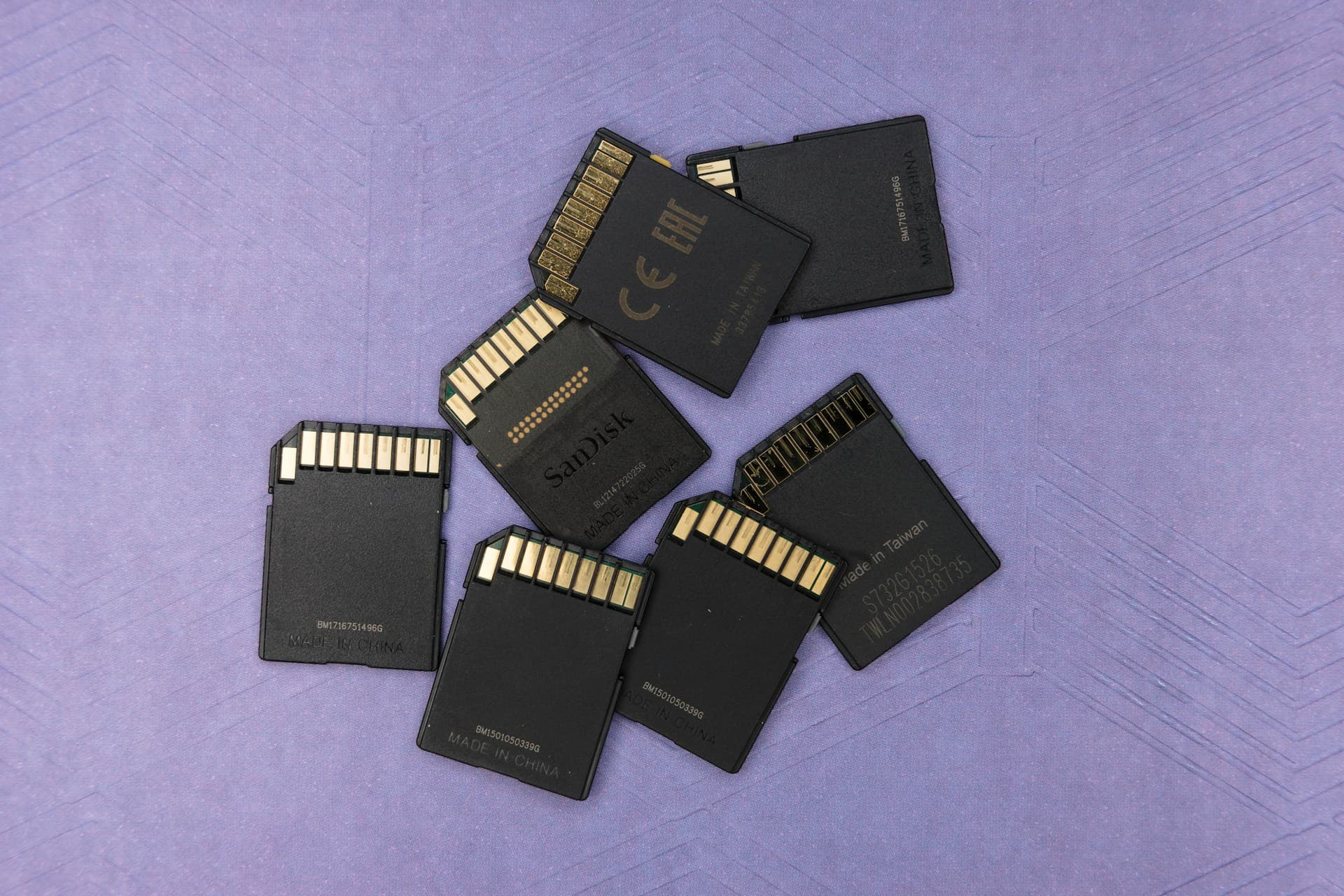
Lately, I've been looking for flash cards for two of my consoles, a Nintendo Switch and a R365 (a portable emulation console) and as I was noticing that the prices vary significantly across marketplaces, I decided to investigate a little further and see how I can check if the card I bought was indeed delivering what was promised and that it wasn't counterfeit.
That's why I found F3 - Fight Flash Fraud (or Fight Fake Flash). According to their website:
f3 is a simple tool that tests flash cards capacity and performance to see if they live up to claimed specifications. It fills the device with pseudorandom data and then checks if it returns the same on reading.
I'll give a little example of how I run this on my macOS, but they have instructions for Linux and Windows.
Installing F3
First, to install using Homebrew, run the following in your terminal:
brew install f3
Finding the mount point
With F3 installed, you need to find the mount point for the device you want to verify. Run df in the terminal, and it'll give you an output similar to this one
╰─ df
Filesystem     512-blocks      Used Available Capacity iused     ifree %iused  Mounted on
... (Other devices)
/dev/disk2s1     10485672   4092464   6352200    40%      61  31761000    0%   /System/Volumes/Update/SFR/mnt1
/dev/disk3s1    965595304  34732424 193350936    16%  453127 966754680    0%   /System/Volumes/Update/mnt1
/dev/disk4s1    124702976      8192 124694784     1%       0         0     -   /Volumes/MY_SD_CARD
In the last line, MY_SD_CARD is my SD card label (the same label that appears in Finder/Explorer). Copy the value in the Mounted On column and use it as a parameter for F3.
Running the test
We'll use two programs in order to write large files to the disk and read them after to check if the flash card contains exactly the written files.
╰─ f3write /Volumes/MY_SD_CARD
╰─ f3read /Volumes/MY_SD_CARD
At the end of each command, you'll receive some useful information such as:
(At the end of f3write)
Free space: 0.00 Byte
Average Writing speed: 4.90 MB/s

(At the end of f3read)
  Data OK: 29.71 GB (62309312 sectors)
Data LOST: 0.00 Byte (0 sectors)
           Corrupted: 0.00 Byte (0 sectors)
    Slightly changed: 0.00 Byte (0 sectors)
         Overwritten: 0.00 Byte (0 sectors)
Average Reading speed: 9.42 MB/s
This is a case where the card is operating correctly and is living up to its expected specifications. You can find other useful resources about this tool on their website.
Thanks for reading this! I decided to write because this is a very common topic for gamers or electronics enthusiasts, since we use those types of cards every day in consoles, cameras and other day-to-day devices. I'll not recommend any reliable store to buy those cards, but pay attention on the price, especially in marketplaces like Amazon, eBay or MercadoLivre (for South Americans) and try to buy directly from the manufacturer’s store if possible.